Verify a Downloaded Thumbnail
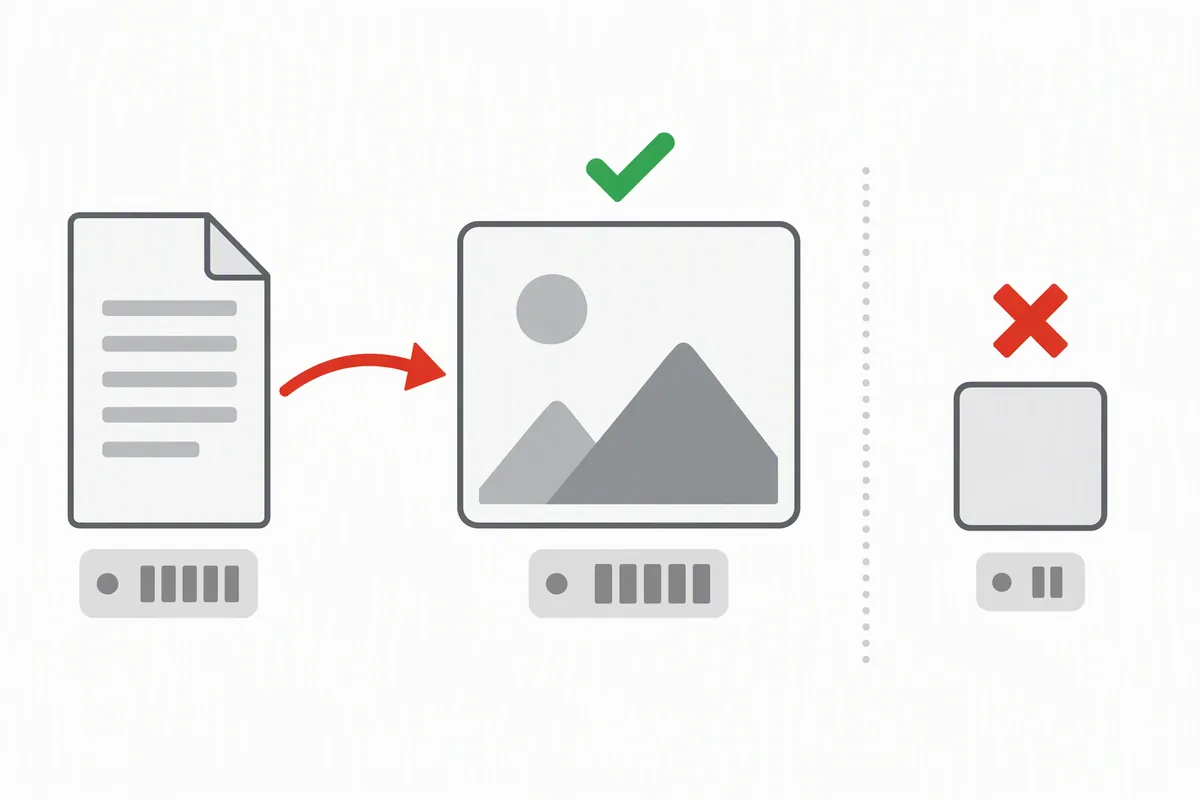
You do not have to open a downloaded thumbnail to know whether it is real. One number settles it: the file size. Across 21 requests measured on 7 October 2026, every genuine thumbnail file came back at 2,888 bytes or more, while every miss came back at exactly 1,097 bytes — the same image every time, 120 × 90 pixels, with one identical SHA-1. There is no overlap, so a glance at the file's size tells you real from placeholder before you look at the picture. Below are the exact numbers to check, the size band each file name normally falls in, and what the response headers do and do not promise.
The two numbers that decide it
| What the file is | Bytes | Pixels | What to conclude |
|---|---|---|---|
| A miss (that name does not exist on that video) | 1,097 — always, all 3 misses in this run | 120 × 90 | The name you asked for is not there. Ask the next name. |
The smallest real file measured (default.jpg) | 2,888 | 120 × 90 | Real — but note it shares the placeholder's pixel size, so size is the better test |
The largest real file measured (hq720.jpg on one video) | 179,638 | 1280 × 720 | Real, and the biggest that video offered |
That middle row is the trap worth knowing: the placeholder and the smallest genuine file have the same pixel dimensions, 120 × 90. If you verify by eye or by "does it look tiny", you learn nothing. If you verify by byte count, the two are 1,791 bytes apart, and the placeholder is a suspiciously round, identical number every single time.
Size bands per file name (measured over three videos)
These are the ranges the real files actually occupied in this run. If a file you saved is far below its band, suspect it; if it is 1,097 bytes, it is the miss and nothing else.
| File name | Bytes measured (min – max) | Pixels |
|---|---|---|
hq720.jpg | 65,324 – 179,638 | 1280 × 720 |
maxresdefault.jpg | 65,324 – 108,323 | 1278 × 720 to 1280 × 720 |
oar2.jpg | 15,986 – 79,711 | 320 × 240 to 1920 × 1080 |
sddefault.jpg | 31,029 – 46,793 | 640 × 480 |
hqdefault.jpg | 15,921 – 32,195 | 480 × 360 |
mqdefault.jpg | 8,710 – 17,034 | 320 × 180 |
default.jpg | 2,888 – 4,523 | 120 × 90 |
| any miss | 1,097 | 120 × 90 |
Read the bands, not just the names. oar2.jpg ranges from 15,986 to 79,711 bytes because it follows the upload's own frame shape, so a small oar2 is not a failure; a 1,097-byte anything is. And notice that two names in the same list — hq720 and maxresdefault — both span a wide range on different videos, which is why a single "expected size" per name would be wrong.
What the response headers do and do not promise
If you fetched the file with a tool rather than by clicking, you have a second, independent check: the Content-Length header. In this run it matched the actual byte count in all 18 successful responses — no mismatches, no chunked surprises. That makes it usable for a quick sanity test in a script: compare the announced length with what you received, and treat a 1,097-byte response as a miss regardless of the status line it arrived with.
What the headers do not give you is the pixel size. There is no header in these responses that tells you the image is 1280 × 720; the only way to know is to read the file itself. That is why the byte count, which you get for free, is the practical check and the pixel dimensions are the confirmation.
How to check a file you already saved
- Look at the size first. Every platform's file browser shows it — in Windows, right-click the file and open Properties; on macOS, select it and press ⌘+I; on Android and iPhone, the file's Details or Info panel shows it. If the size is about a kilobyte, it is the placeholder.
- Then check the pixels. Windows shows image dimensions in the file's Details tab; the same information is available on the other systems in the photo's info panel. A 120 × 90 file that is also about a kilobyte is the miss; a 120 × 90 file of 2.9 KB is a real
default.jpg. - If you are scripting it, trust the byte count: it matched the header and the body in every successful response here, and the miss is always the same size.
The numbers on this page were measured by fetching each file from YouTube's image host, so they are properties of the files themselves and not of any particular operating system. We measured the byte counts and pixel dimensions here on Windows; the wording of the file-info panels on macOS, Android and iPhone differs from Windows, and we have not verified those panels on those systems — the numbers to compare against are the same, but treat the menu wording as general guidance rather than something measured on this page.
What you may do with the file
Saving the bytes is the easy half. The picture belongs to whoever uploaded the video, and it is served from the platform's own image host — nothing here stores, mirrors or re-uploads any thumbnail. Your own uploads are yours to use. For someone else's, treat a saved file as reference material unless you have permission, and check what your jurisdiction allows before you publish it anywhere. This is not legal advice.
Questions people actually ask
"How do I know the file I saved is the real thumbnail and not that grey box?"
Check the size. In this run every real file was at least 2,888 bytes and every miss was exactly 1,097 bytes, with no overlap — so about a kilobyte means you saved the placeholder.
"The image looks tiny — is it the placeholder?"
Not necessarily. The real default.jpg is also 120 × 90, exactly like the placeholder; the difference is the byte count (2,888 versus 1,097 in the files measured here). Judge by size, then confirm with dimensions.
"My file is 1,097 bytes but the download said it succeeded. Which is wrong?"
Neither. The host answers a missing name with a real, valid JPEG — that is why the download succeeds. The 1,097-byte body is the miss, and the fix is to ask for another name rather than to retry the same one.
"Can I check it from the command line?"
Yes, and size is enough: compare the byte count you received with the Content-Length the host announced (they matched in all 18 successful responses measured) and treat 1,097 bytes as a miss.
"Is there one expected size per file name I can memorise?"
No — the bands are wide because the content changes: hqdefault.jpg spanned 15,921 to 32,195 bytes and oar2.jpg 15,986 to 79,711 in the same run. Use the bands as a sanity check, and the 1,097-byte placeholder as the hard test.
All numbers on this page were measured on 7 October 2026 by requesting 21 URLs directly from img.youtube.com (three videos × seven file names), recording the HTTP status, the Content-Length header and the actual byte count, hashing each response body, and reading the pixel dimensions out of the downloaded file's own JPEG header. The 1,097-byte placeholder was identical — same size, same pixels, same SHA-1 6e902fa6302eb30c — in every miss. Videos are identified by ID only; no titles, channels or watch links appear on this page, and none of the images are hosted here.