YouTube Thumbnail Grabber
Short answer first: every YouTube video has a small set of thumbnail files, and you can grab any of them with one URL — https://img.youtube.com/vi/<video-id>/<file>.jpg. The catch is that not all of them exist for every video. Ask for a file that was never generated and YouTube answers with HTTP 404 plus a grey 120 × 90 placeholder, so a bare link can hand you a grey square that looks like a real file.
This page is the grabber explained by the numbers: the six file names, which ones really came back for real videos, and what to use when the biggest file is missing. Everything in the table below was measured on 30 September 2026 by requesting each file from img.youtube.com and reading the HTTP status, the byte count and the JPEG's own header for the pixel size.
If you would rather not build URLs by hand, the grabber tool on the home page does the same checks in the browser, lists only the files that answered, and measures each one after it downloads.
The six files, and what each one is
| File name | Measured size | Notes from the 30 Sep 2026 run |
|---|---|---|
maxresdefault.jpg | 1280 × 720 | The biggest of the set — and the one most often missing on older uploads. |
hq720.jpg | 1280 × 720 | Returned the same byte count as maxresdefault.jpg on both videos where both existed. |
sddefault.jpg | 640 × 480 | 4:3 crop, not 16:9. Missing on some older videos. |
hqdefault.jpg | 480 × 360 | The one file essentially every video still has. |
mqdefault.jpg | 320 × 180 | 16:9 crop, small. |
default.jpg | 120 × 90 | 4:3 crop, the smallest file of the set. |
Sizes above are the pixel dimensions read out of the downloaded file's own JPEG header, not a published spec sheet.
Which files really came back (raw measurements)
Three public videos, same six files, requested one by one on 30 September 2026. 200 means the file exists and its size is the bytes received; 404 means it does not exist for that video.
| File | dQw4w9WgXcQ | 9bZkp7q19f0 | jNQXAC9IVRw (old upload) |
|---|---|---|---|
maxresdefault.jpg | 200 · 65,324 B · 1280 × 720 | 200 · 184,051 B · 1280 × 720 | 404 |
hq720.jpg | 200 · 65,324 B · 1280 × 720 | 200 · 184,051 B · 1280 × 720 | 404 |
sddefault.jpg | 200 · 31,029 B · 640 × 480 | 200 · 84,176 B | 404 |
hqdefault.jpg | 200 · 21,011 B · 480 × 360 | 200 · 53,433 B | 200 · 15,921 B · 480 × 360 |
mqdefault.jpg | 200 · 10,303 B · 320 × 180 | 200 · 26,633 B | 200 · 8,710 B · 320 × 180 |
default.jpg | 200 · 2,888 B · 120 × 90 | 200 · 5,096 B | 200 · 4,523 B · 120 × 90 |
Two things fell out of that run, and both matter when you are grabbing a file by hand:
hq720.jpgandmaxresdefault.jpgare the same picture. For dQw4w9WgXcQ both answered with exactly 65,324 bytes; for 9bZkp7q19f0 both answered with exactly 184,051 bytes, and both measured 1280 × 720. Identical byte counts on two different videos is not a coincidence — the two names serve the same file. If one is missing, so is the other.- "The biggest one is always there" is false. On the old upload jNQXAC9IVRw,
maxresdefault,hq720andsddefaultall answered 404. The largest file that video actually has ishqdefault.jpgat 480 × 360. A grabber that prints 1280 × 720 for every video would be printing a number it never received.
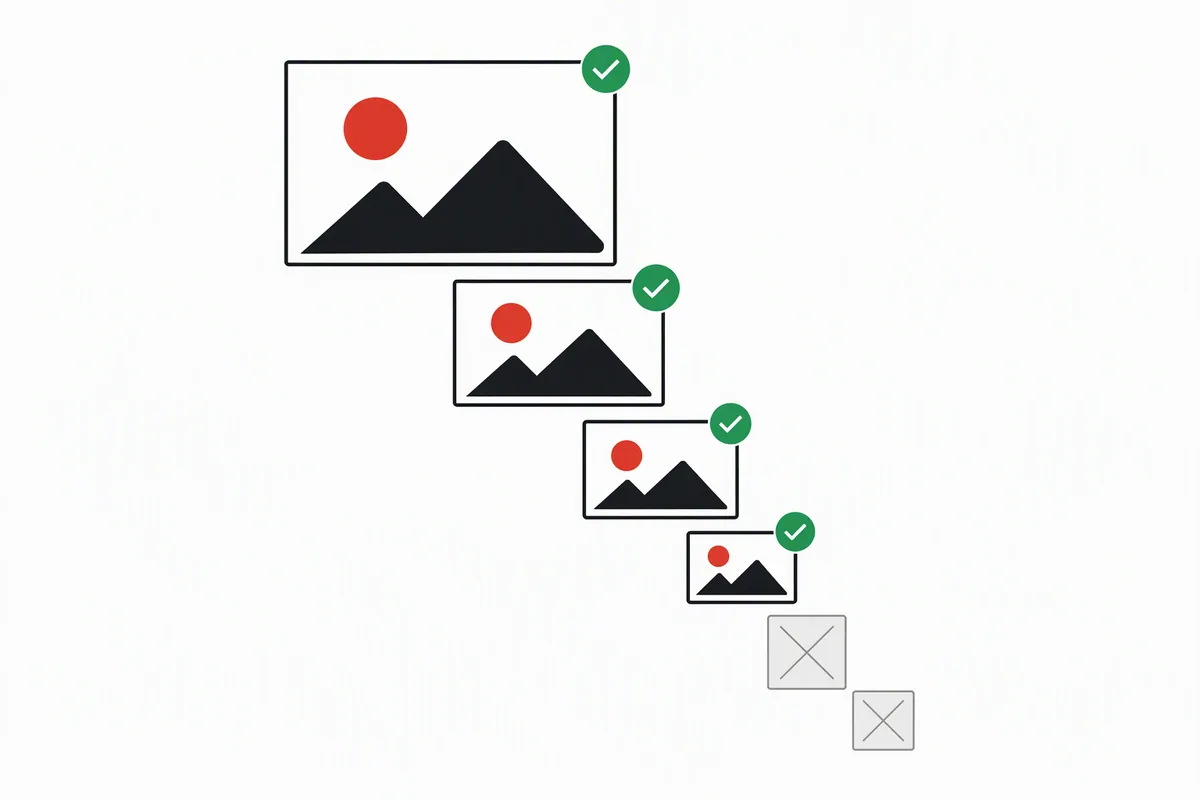
Grab by hand, in four steps
- Take the video ID — the 11 characters after
v=, or the part afteryoutu.be/. - Build the URL:
https://img.youtube.com/vi/<video-id>/maxresdefault.jpg(or any other file name from the table). - Open it and check what came back. A grey 120 × 90 square with faint lines is YouTube's placeholder for a file that does not exist — the request was answered with 404 even though the browser may still show you a picture.
- If it is grey, step down the ladder:
hq720→sddefault→hqdefault→mqdefault→default, and stop at the first real picture.
That last step is the whole difference between grabbing a file and grabbing a file that exists. Status codes decide it; the picture alone does not.
Why the picture lies: on the 30 September 2026 run, a request for a missing file was answered with HTTP 404 and a body of 1,097 bytes of image/jpeg — a grey 120 × 90 square. A browser loading that URL reports a successful image load at 120 × 90, so anything that trusts the <img> element instead of the response will report a thumbnail that does not exist. The status code is the only reliable signal.
Grabber, downloader — same job, two words
People search for this under both names, and the short forms yt / youtube get used interchangeably, so it is worth saying plainly: a YouTube thumbnail grabber and a YouTube thumbnail downloader are the same thing. Whatever the page calls itself, what happens underneath is one request to img.youtube.com per file, a check of the answer, and a save of the bytes. On this site, the home page tool is that page; there is nothing to install and no account.
One difference is worth keeping in mind though: a grabber that only builds the URL for you can hand you a 404 placeholder and call it a thumbnail. A grabber that checks the response first can tell you which resolutions that specific video really has — which is the only reason the measured table above is on this page instead of a generic list.
What you may do with the file you grabbed
Grabbing the file is easy; the right to use it is a separate question. Thumbnails are the uploader's material, and the images themselves are served from YouTube's own host. For your own uploads, it is your artwork. For someone else's, treat a grabbed file as reference material unless you have permission — and if you plan to reuse it in something you publish, get that permission or check whether your use is covered by an exception in your jurisdiction. This page cannot give you legal advice, and it does not host any of the images.
Questions people actually ask
"My yt thumbnail grabber link shows a grey box — is the video private?"
Not necessarily. A grey 120 × 90 square is what you get when that resolution was never generated for the video. Step down the ladder before assuming the video is restricted.
"Can I grab a thumbnail from a Shorts or a live video?"
Yes, using the same pattern and the same 11-character ID — the ID is the part after /shorts/ or /live/. Whether the bigger files exist depends on the upload, exactly as it does for normal videos.
"Why do I get a file at 1280 × 720 when I asked for the biggest one, but a different number on another video?"
Because the number is a property of the file that exists for that video, not a property of the file name. Measure the file you received; do not assume the name implies the size.
"Is there a bulk grabber here?"
No. This tool takes one video at a time on purpose — no batch queue, no history, nothing kept. If you need many files, the URL pattern in step 2 is the part to script, and the parts to keep are the status-code check and the step-down ladder.
Measured 30 September 2026 against dQw4w9WgXcQ, 9bZkp7q19f0 and jNQXAC9IVRw by requesting each file from img.youtube.com, reading the HTTP status and Content-Length, and parsing the JPEG header for the pixel size. Numbers on this page come from that run. A different video will produce different numbers — that is the point.