How to Change a YouTube Thumbnail: The Steps and the Real Spec
Changing a thumbnail is four clicks. The part that actually causes trouble is the image you feed it, because the number most guides still print — 1280 × 720 — is no longer the number YouTube recommends. As of the help page we read on 14 October 2026, the recommendation is 3840 × 2160 pixels for videos and 2160 × 3840 for Shorts, with a minimum width of 640 pixels for videos and a minimum height of 640 for Shorts, at 16:9 and 9:16 respectively, uploaded as JPG or PNG, under 2 MB on mobile or 50 MB on desktop. So 1280 × 720 still passes — it is 16:9 and well over the minimum width — but it is a minimum-grade upload, not the target. And it happens to be exactly the largest file the reading side ever returned to us: across 24 videos, nothing came back bigger than 1280 × 720.
Change a video thumbnail: the four steps
Quoted from YouTube Help on 14 October 2026:
- Sign in to YouTube Studio.
- From the left menu, select Content.
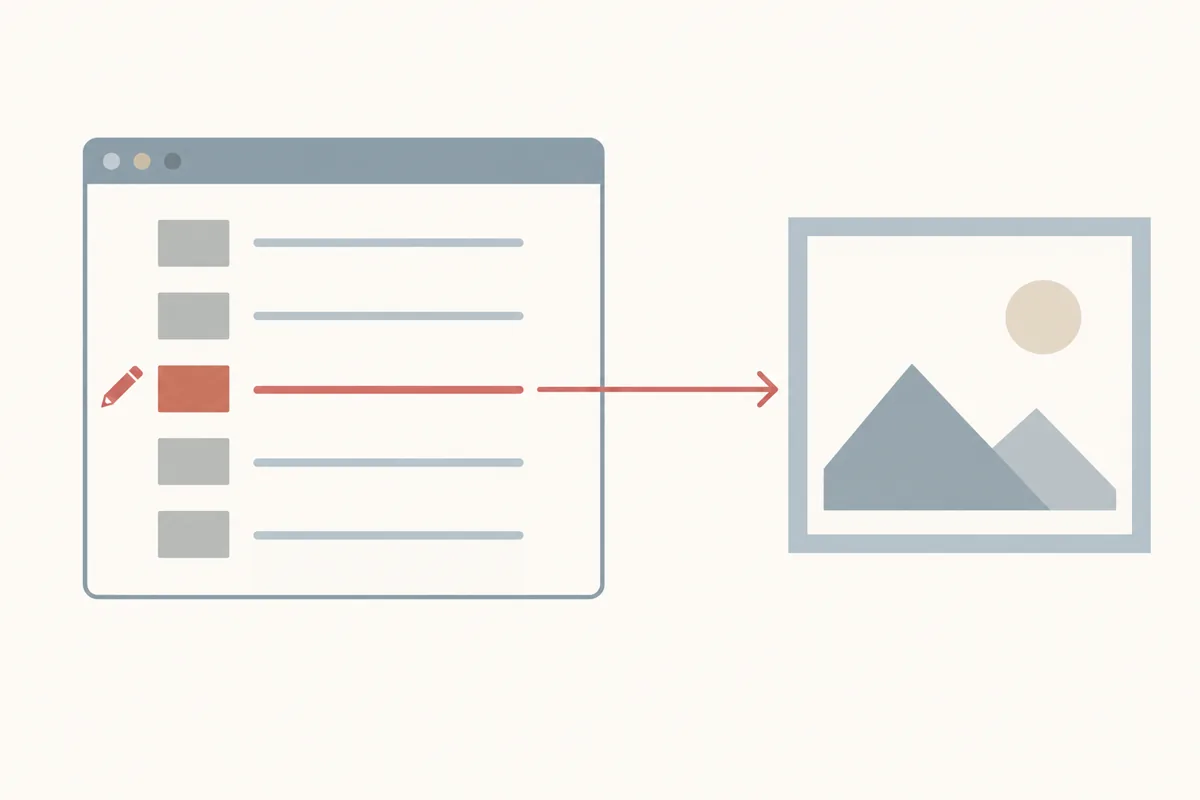
- Go to the video you would like to edit and click the pencil (details) icon.
- Below "Thumbnail," click Upload file to use an image from your device, or Get suggestions to pick an auto-generated frame. Then click SAVE.
One sentence in the same document is worth keeping in mind when it does not seem to have worked: "It may take time for your thumbnail changes to appear on YouTube." We can put a number on "some time" — see the cache section below.
Change a Short's thumbnail: two extra rules
- In YouTube Studio, select Content, then Shorts at the top of the list, then the Short you want to edit.
- Below "Thumbnail," click Upload file, then SAVE.
Two constraints come with it, both from the same help page: custom Shorts thumbnails are "currently only available to add in YouTube Studio on a computer," and "your account must be verified to use this feature." The recommended aspect ratio for an uploaded Shorts thumbnail is 9:16.
The spec, verbatim
| Requirement | Video | Short |
|---|---|---|
| Recommended resolution | 3840 × 2160 | 2160 × 3840 |
| Minimum | width 640 px | height 640 px |
| Aspect ratio | 16:9 | 9:16 |
| Formats | JPG or PNG ("image formats such as JPG or PNG") | |
| Size limit, mobile | 2 MB (podcast thumbnails: 10 MB) | |
| Size limit, desktop | 50 MB | |
| Podcast playlists | aspect ratio 1:1 instead of 16:9 | |
The 50 MB desktop figure is the one people miss. If your upload is rejected for size, check which device you are on before you shrink anything — the mobile limit is 25× smaller than the desktop one.
Why 1280 × 720 keeps being quoted
Because it used to be the answer, and because it still works. 1280 × 720 is 16:9 and its width is double the 640-pixel minimum, so nothing rejects it. But it is worth knowing what you are choosing. Here is the ladder the reading side actually serves, measured across 24 public videos on 2, 5 and 11 October 2026 by reading each returned file's own JPEG header:
| Size that comes back | How often it existed | Bytes measured |
|---|---|---|
| 1280 × 720 | 10 of 12 videos (maxresdefault.jpg and hq720.jpg) | 63,535 – 184,051 |
| 1920 × 1080 | only in the oar2/oar3 family, unpredictably | 75,680 – 76,507 |
| 640 × 480 | 11 of 12 videos (sddefault.jpg, 4:3) | 31,029 – 84,176 |
| 480 × 360 | 12 of 12 videos (hqdefault.jpg) | 15,921 – 53,433 |
| 320 × 180 | mqdefault.jpg | 8,710 – 26,633 |
| 120 × 90 | default.jpg — and also the placeholder | 2,888 – 5,096 |
So the practical consequence of uploading at 1280 × 720 versus 3840 × 2160 is not about the download file — nothing you can download is bigger than 1280 × 720 — it is about what the platform can do with your image in places we cannot see: the small square crops, the 4:5 replacements, the television layout, the feed variants. Uploading larger costs nothing and gives those pipelines more to work with. The size page covers the ladder in full.
The 4:5 rule that catches vertical videos
This one is quoted directly, because it explains a complaint we see constantly: "Vertical videos with 16:9 custom thumbnails will be replaced by an auto-generated 4:5 thumbnail on the home, explore, and subscription pages. Your custom thumbnail will still appear on the watch feed, watch history, and non-mobile platforms." In other words, if you publish an upright video and give it a 16:9 thumbnail, the platform may swap in its own crop on the surfaces where most people will see it. Upload 9:16 for upright content and you keep control of the picture.
That also matches what we measured on the reading side. On 12 Shorts checked on 12 October 2026, maxresdefault.jpg and hq720.jpg were 1280 × 720 landscape on all 12 — the upright frame centred with blurred filler at the sides, where the side bands carried only 7% to 30% of the middle band's edge detail. The genuinely upright file was oar1/oar2/oar3.jpg at 1080 × 1920 on 12 of 12. The Shorts page has that measurement.
Playlist thumbnails: you do not upload this one
A playlist is not a video, and the picture you see on it is not a file you chose. YouTube composes it from the videos inside the playlist — the familiar four-tile grid, or the leading video's own picture — and as of our last check in October 2026 there is no playlist-thumbnail upload slot in Studio sitting next to the video one. That is worth stating plainly, because "YouTube playlist thumbnail" gets searched as though it were a setting you could change. Two levers you do have:
- Change the first video's thumbnail. On many surfaces the playlist leads with the picture of its first video, so the real lever is that video's custom thumbnail.
- Reorder the playlist. Putting the strongest thumbnail first changes what the grid leads with.
There is one genuine exception, and it is official: a podcast playlist does take a square image — podcast artwork is 1:1, not 16:9 — because it is displayed as cover art rather than as a video tile. If you are setting up a podcast rather than an ordinary playlist, follow the square requirement.
If what you actually wanted was to download the thumbnail of a video that happens to sit inside a playlist, note that a playlist address carries no thumbnail of its own: you need each video's 11-character ID and then the usual address for that ID.
The download side of that question is different and has its own measured answer: a playlist ID is 34 characters, not 11, so the image host returns the 1,097-byte placeholder for it — the playlist thumbnail downloader page shows the ten tokens we tested and which ones returned a picture.
Channel thumbnails: the picture and the banner are two different specs
"Channel thumbnail" usually means one of two images, and apart from sharing an upload screen they have nothing in common — neither is a video thumbnail and neither follows the 1280 × 720 rule. Both live in YouTube Studio → Customization → Branding. The figures below are YouTube's own, read from its help pages on 16 October 2026:
| Asset | What YouTube asks for | Notes |
|---|---|---|
| Profile picture | 800 × 800 recommended, square; JPG, GIF, BMP or PNG (no animated GIF) | Rendered as a circle at 98 × 98 — keep the subject centred, the corners are cut off |
| Channel banner | Minimum 2048 × 1152 at 16:9, 6 MB or smaller (2560 × 1440 recommended for TV) | At the minimum size the safe area for text and logos is 1235 × 338 |
| Video watermark | Minimum 150 × 150, square, under 1 MB | Not shown on videos set as made for kids |
The banner is the one that catches people out, because the same file is cropped differently on a phone, a computer and a TV — only a centre band is guaranteed visible, which is exactly why the safe area exists. The profile picture has the opposite trap: stored square, shown as a circle, so anything in the corners disappears. If one of these uploads is being refused, the reason is usually a file-size or format limit rather than the picture itself; the file size page goes through those limits. Those two live on a different host from video thumbnails and in a different format, which is why a thumbnail tool cannot fetch them — the channel art page shows the three rejected request shapes and the one suffix that does control an avatar’s pixel size.
After you save: expect the old picture for a while
YouTube's note that changes "may take time" is backed by a header we captured on every real thumbnail file: Cache-Control: public, max-age=7200. That is 7,200 seconds — two hours — during which a cache may keep serving the previous image. Two useful consequences:
- A changed thumbnail can look unchanged for up to two hours. Nothing is broken; re-uploading will not speed it up.
- A wrong link corrects itself in 30 seconds. That is the
max-ageon the placeholder a missing name returns — the opposite asymmetry from the one people expect.
Past that window the file is settled: 114 of 114 addresses we re-requested a day later came back byte-identical, and 32 of 32 matched across a 1-day gap in a later pass.
What can stop the upload
Four things, all from the same help document, and none of them about the picture being wrong:
- An unverified account. Custom thumbnails require a verified account — the help page links straight to the verification flow. On the Shorts side it is stated twice.
- The daily limit. "There's a limit to how many custom thumbnails a channel can upload each day." If you see "Daily custom thumbnail limit reached," the instruction is to try again in 24 hours. The help page adds that limits "may vary by country/region or channel history," and that copyright strikes and Community Guidelines strikes both affect it.
- A policy violation. Thumbnails must follow the Community Guidelines. The page states that a violating thumbnail "may be rejected and a strike on your account," and that repeat offenses "may lead to the removal of your custom thumbnail privileges for 30 days or even account termination."
- The picture being turned off in search. "YouTube may turn off custom thumbnails for certain search results when they're considered inappropriate for viewers." Note that this can apply to search results only — the thumbnail can be visible on the watch page and absent from a search listing.
Questions people actually ask
"Why can't I upload a custom thumbnail?"
The most common reason is an unverified account — verification is a stated requirement. If you are verified, check for the "Daily custom thumbnail limit reached" error, which resets after 24 hours, and remember that strikes on the channel lower that limit.
"What size should I upload — 1280 × 720 or bigger?"
Bigger. YouTube currently recommends 3840 × 2160 for videos and 2160 × 3840 for Shorts, with a 640-pixel minimum on the short edge. 1280 × 720 is accepted and is 16:9, but it is the floor, not the target.
"Can I change the thumbnail of a playlist?"
There is no playlist-thumbnail upload as of our October 2026 check — the picture is composed from the videos in the list. Change the first video's thumbnail or reorder the playlist. A podcast playlist is the exception: its artwork is square (1:1), not 16:9.
"My new thumbnail is not showing. Is it rejected?"
Probably not — real thumbnail files carry max-age=7200, so the old picture can persist for up to two hours. Re-uploading does not shorten that window.
"Can I change a Short's thumbnail on my phone?"
Not per the help page we read: custom Shorts thumbnails are "currently only available to add in YouTube Studio on a computer." Video thumbnails can be changed from the mobile app.
"Why did YouTube replace my thumbnail on the home page?"
Because of the 4:5 rule for vertical videos with 16:9 thumbnails. The help page says an auto-generated 4:5 image is used on home, explore and subscription pages in that case, while your own thumbnail stays on the watch feed and non-mobile platforms. Upload 9:16 for upright video.
"How many thumbnails can I change per day?"
There is a daily cap, but the help page does not publish a number — it says limits vary by country, region and channel history, and that strikes reduce them. If you hit it, the stated fix is to try again in 24 hours.
The requirements, the Studio steps, the 4:5 rule, the policy wording and the limit wording on this page are quoted from YouTube Help (Add custom thumbnails on YouTube and Thumbnails policy) as read on 14 October 2026; the quotations are reproduced as they appear there, including the phrase "remain under MB limits". The download-side figures are our own measurements, taken by requesting img.youtube.com/vi/<id>/<name> directly and reading each returned file's own JPEG header and Content-Length: 2 October 2026 (4 videos × 26 names), 5 October 2026 (12 videos, the hit counts), 11 October 2026 (8 videos × 5 names plus 11 follow-up requests, the cache and byte-identity checks) and 12 October 2026 (12 Shorts × 12 names). Videos are identified by ID only — no titles, channel names or watch links appear on this page, and no thumbnail is hosted here. Platform documentation changes; the quotations above carry the date they were read for exactly that reason.